Confirm what has already been made
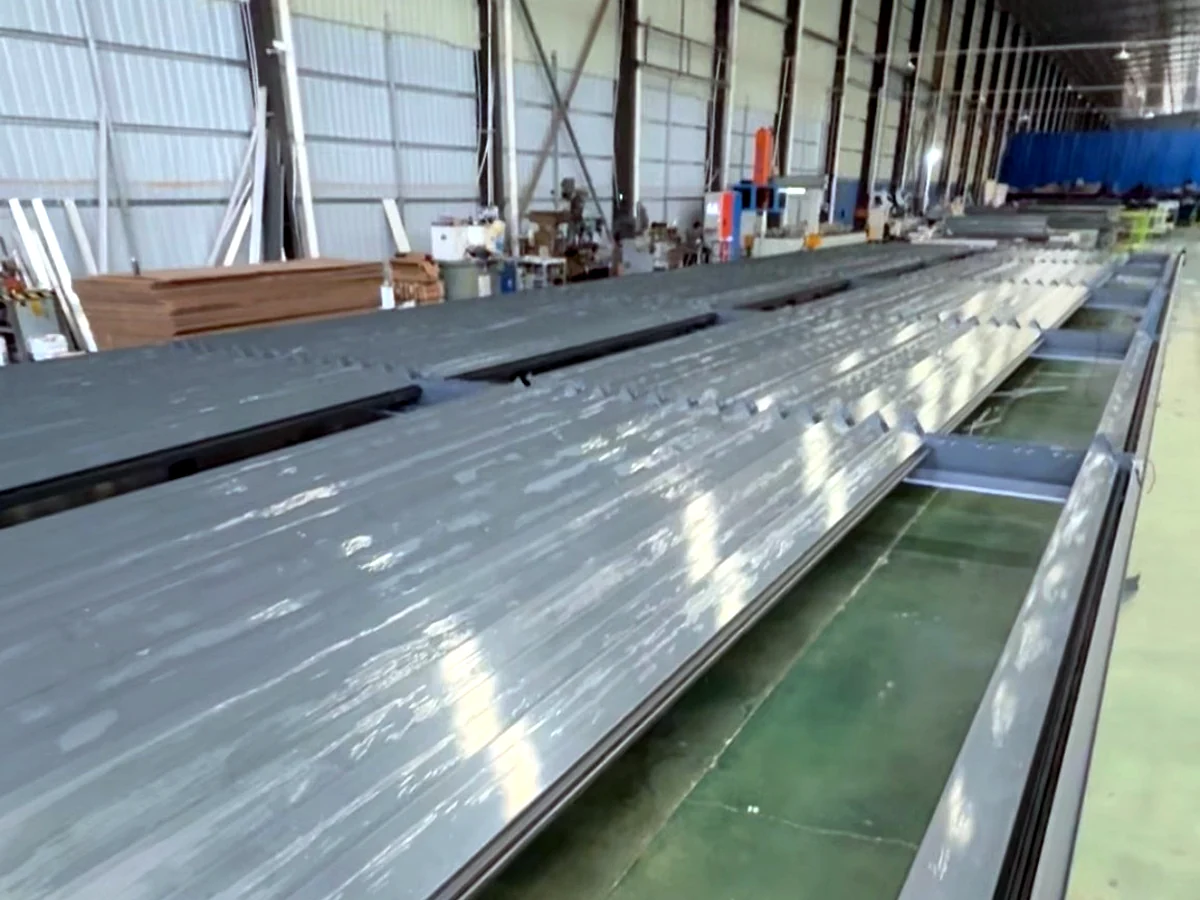
Ask the factory which components are only planned, prepared, machined, assembled or packed. The same dimensional change can have different consequences at each point.
The production workflow explains those stages. A remaining production window is not a promise that a late change can be absorbed without rework.
List every affected interface
Use a change register rather than a new dimension in an isolated message. This table is a planning aid, not a fixed rework or pricing policy.
| Requested change | Items to reconfirm |
|---|---|
| Width or projection | Frame components, roof layout, module reference and packing. |
| Post position | Support arrangement, connections, drainage and clear openings. |
| Glass, screens or lights | Fixing preparation, clearances, wiring and control scope. |
| Finish or quantity | Prepared materials, batch reference, order and schedule. |
| Roof operation | Selected system, components, module plan and quotation. |
A different roof means a new review
JY280 is a retractable folding roof with a catalogue single-module reference of 4.0 × 6.0 m. Its beam reference is 280 × 190 mm with a 3.0 mm wall.
Changing a rotating-louver proposal to JY280 is a system-selection change. Do not assume that the existing frame layout, accessories or approved quotation remain valid.
Keep one current drawing
The drawing workflow separates catalogue references, production drawings and local engineering approval. Apply the same discipline to revisions: identify what changed and which documents must be replaced.
Get confirmation that the relevant teams have received the revised instructions. Clarify any hold on affected work, extra cost, schedule change and local review before proceeding.
Send a complete change request
- Order number and current drawing revision.
- Marked old and proposed details, with affected module IDs.
- Reason for the change and updated site information.
- Items needing revised price, timing or engineering confirmation.
If the original brief has also changed, update the RFQ information so the drawing and commercial scope describe the same order.
Questions buyers ask
Is a change free if machining has not started?
Not necessarily. Materials, purchased components or other work may already be committed. Ask for the order-specific effect on cost and timing.
Do accessory changes also need drawing review?
They can. Glass, screens and lights may affect openings, fixing points, drainage, wiring and controls even when the overall size is unchanged.
Can the installer cut parts on site instead?
Do not assume site cutting is an acceptable correction. Obtain the approved detail for the actual system and clarify structural, drainage, finish and service implications.
Change acceptance, rework, charges and timing depend on the actual order and production status. This page does not establish cancellation rights or a guaranteed modification service.
Send the marked revision
Identify the order, affected modules and requested change so its impact can be reviewed.
Request a project review